The practical steps to ensure your systems and your materials stay compliant
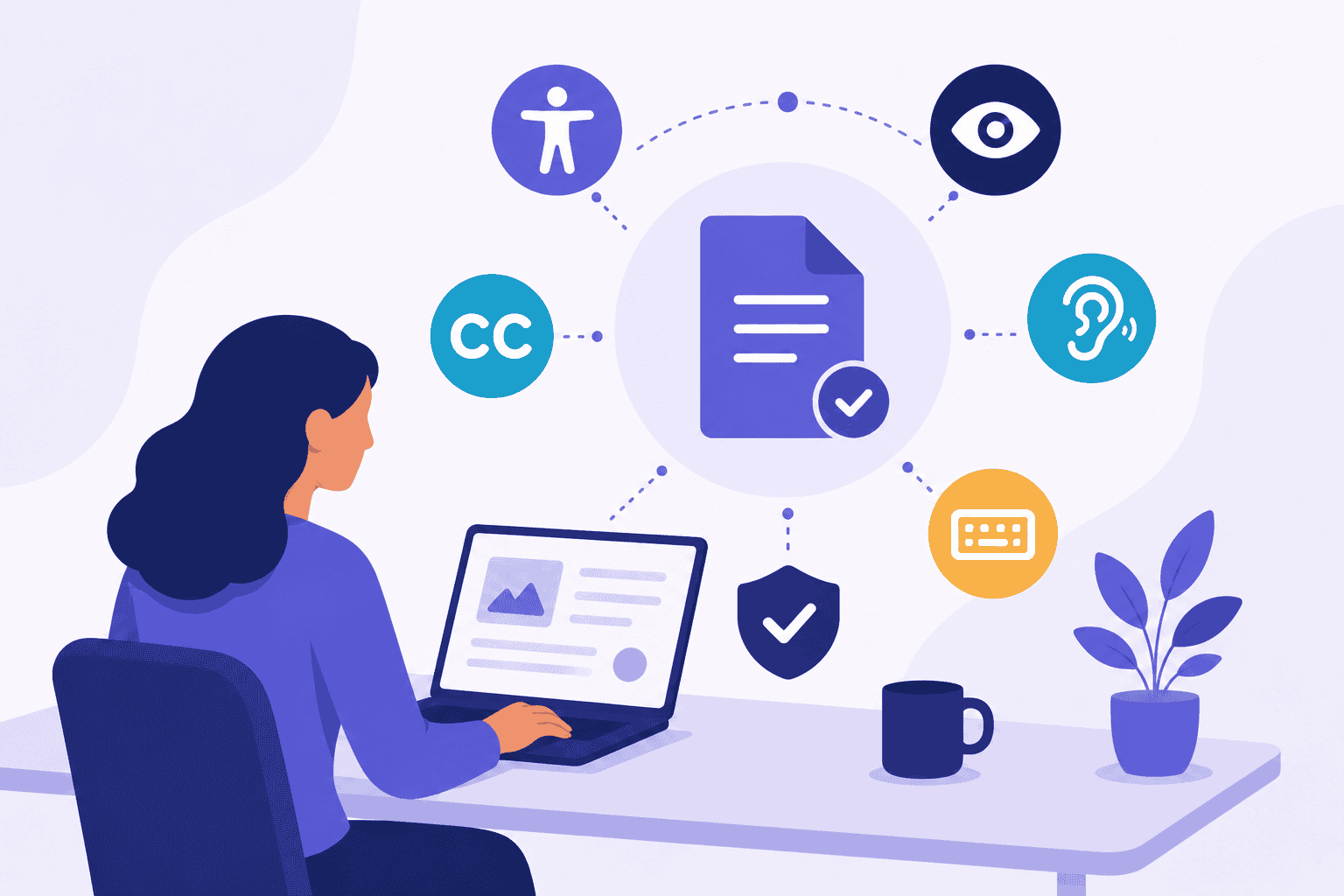
For public colleges and universities, ADA compliance is no longer a future goal — it’s an operational requirement.
By April 24, 2026, institutions must ensure that digital content and experiences meet WCAG 2.1 Level AA standards under updated ADA Title II regulations.
The challenge is that compliance isn’t just about fixing a website.
Higher ed teams need to ensure two things at once:
- The tools they rely on support accessibility
- The content they create stays accessible over time
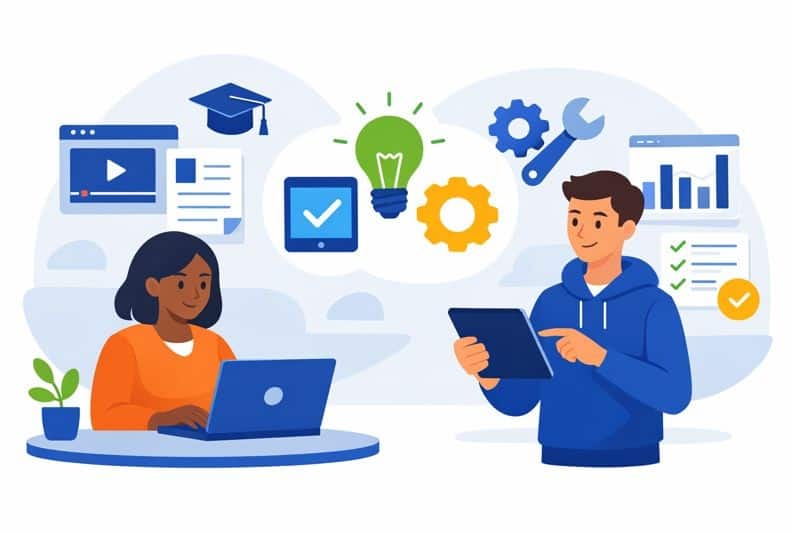
This has become even more urgent as AI accelerates content creation across campus. Creative teams are shrinking, but asset volume continues to grow — because now, with generative tools, everyone can become a content creator. Without systems that guide accessible creation, the risk of non-compliance increases dramatically.
Here are the steps institutions should take now to meet ADA requirements across both tools and content.
Step 1: Audit your content ecosystem — not just your website
Most universities start with their primary web presence.
But ADA Title II applies across the full digital environment, including:
- Admissions PDFs
- Financial aid forms
- Learning materials
- Email communications
- Videos
- Mobile experiences
A real compliance plan begins by mapping where content lives and how it is created across campus.
Step 2: Confirm the accessibility of the tools you rely on
One of the most overlooked questions is:
Are our systems designed to support accessible workflows?
Institutions should evaluate whether their platforms make it possible to:
- Add and manage alt text
- Maintain captions and transcripts
- Use accessible templates
- Control versioning and reuse
This includes reviewing:
- CMS platforms
- Learning management systems
- Video hosting and captioning tools
If tools make accessibility difficult, compliance will remain fragile no matter how much remediation is done.
Step 3: Standardize accessible templates before content is created
The fastest way to scale accessibility is to make compliance the default.
That means providing campus teams with:
- ADA-ready document templates
- Pre-approved accessible brand assets
- Design systems with correct contrast and typography
- Formats that reduce remediation work later
Many institutions are scaling accessibility through templates. Lytho customers create compliant templates that help distributed teams produce accessible content consistently — without reinventing standards for every new asset.
When accessibility is built into templates, teams don’t have to start from scratch every time content is created.
Step 4: Embed accessibility into review and approval workflows
Accessibility breaks down most often when content moves between people.
A PDF may be remediated by a specialist — then edited and republished by someone else.
That’s why institutions need accessibility checks inside workflows, not after publishing.
Embedding review steps ensures that:
- Content is validated before release
- Accountability is clear
- Compliance becomes repeatable
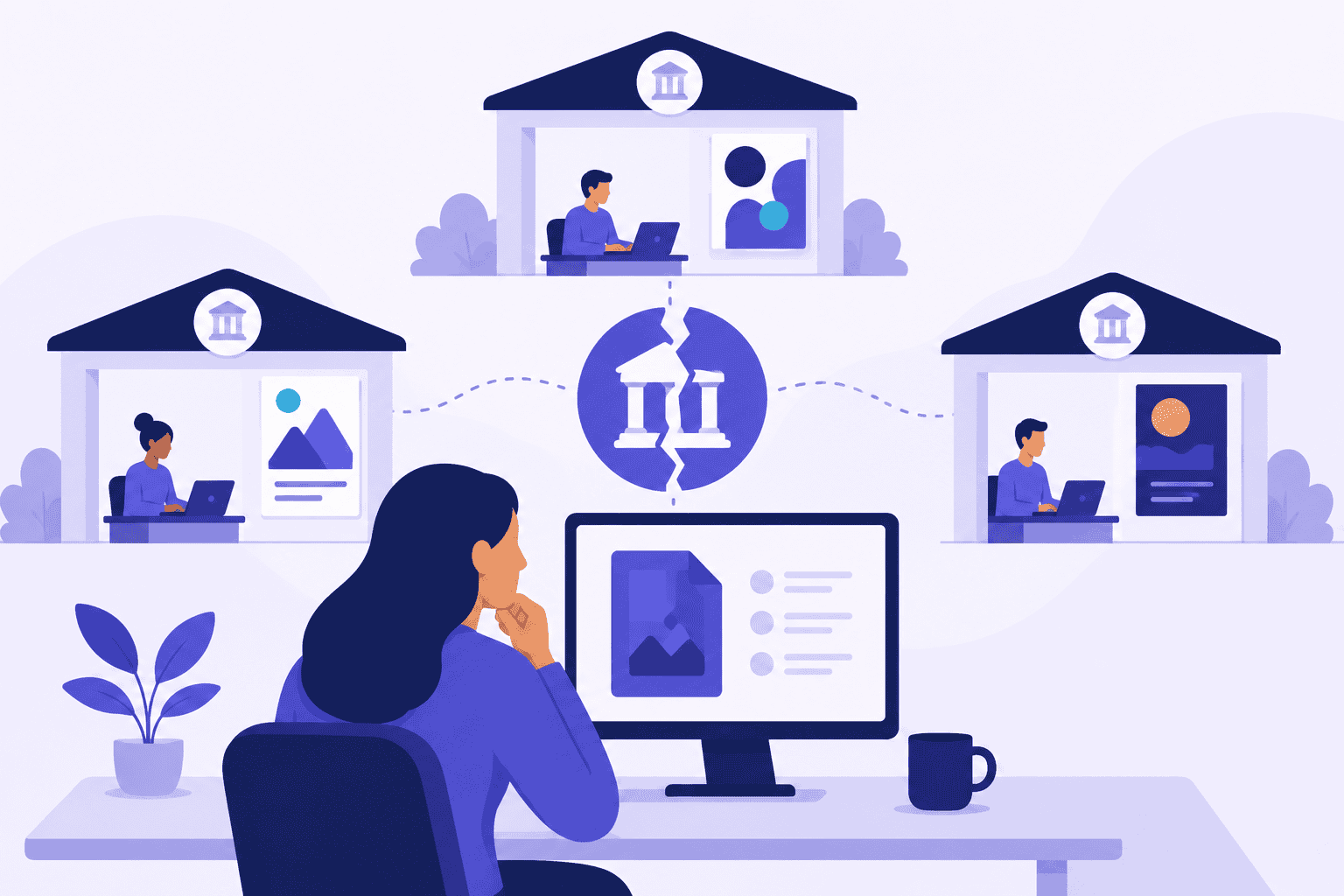
Step 5: Prevent version drift and uncontrolled reuse
Hidden risk: compliant content doesn’t stay compliant if teams can’t track versions.
Without governance:
- Outdated files resurface
- Inaccessible edits spread across channels
- Teams lose confidence in what is approved
A single source of truth is essential for sustaining accessibility at scale.
Meeting ADA requirements means operationalizing accessibility
Higher ed institutions won’t succeed through one-time remediation alone.
The institutions that meet the April 2026 requirements — and sustain them — will be those that treat accessibility as a content operations discipline built into tools, templates, workflows, and governance.
How Lytho supports accessibility at scale
Meeting ADA requirements across tools and content depends on visibility, repeatable workflows, and control as content grows. Lytho helps institutions centralize compliant templates, embed accessibility into review processes, and maintain version integrity across distributed teams. To see how higher ed teams operationalize accessibility with Lytho, request a demo.
Frequently asked questions
What tools should institutions evaluate for accessibility?
CMS platforms, LMS systems, DAMs, video tools, and content workflow solutions.
How do templates support accessibility compliance?
Templates make accessible design the default, preventing errors before content is created.
Why is version control important for ADA compliance?
Without governance, outdated or inaccessible versions can resurface and create legal risk.