Reviews built into your workflow — not stuck in email
Lytho Reviews is where feedback, approvals, and decisions happen. No email chains, scattered comments, or version confusion. Every review stays connected to the work so approvals move faster and every decision is documented — with AI-assisted review.

Replace fragmented reviews with one governed workflow
When reviews happen across inboxes, chats, and meetings, work slows down and risk increases. Lytho brings every review into one place so content moves forward with clarity and accountability.
 Click to enlarge
  Click to enlarge
  Click to enlarge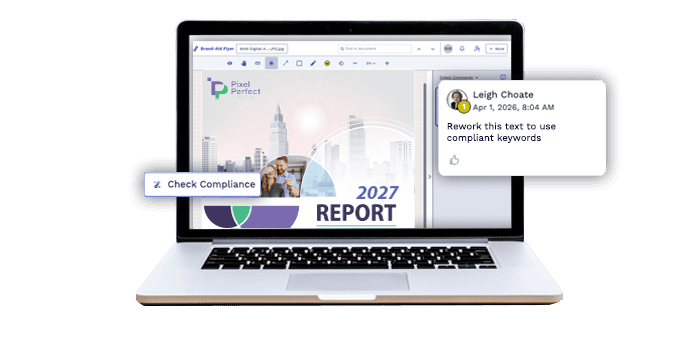
Trusted by teams managing high-volume, high-stakes content




Know exactly what was reviewed, approved, and by whom

“When we tag someone in Lytho, it’s visible. Everyone sees when something was reviewed and by whom. It’s made it so much easier to track.”


Frequently-asked questions about Lytho Reviews
How is Lytho Reviews different from just using email or shared comments in Google Docs?
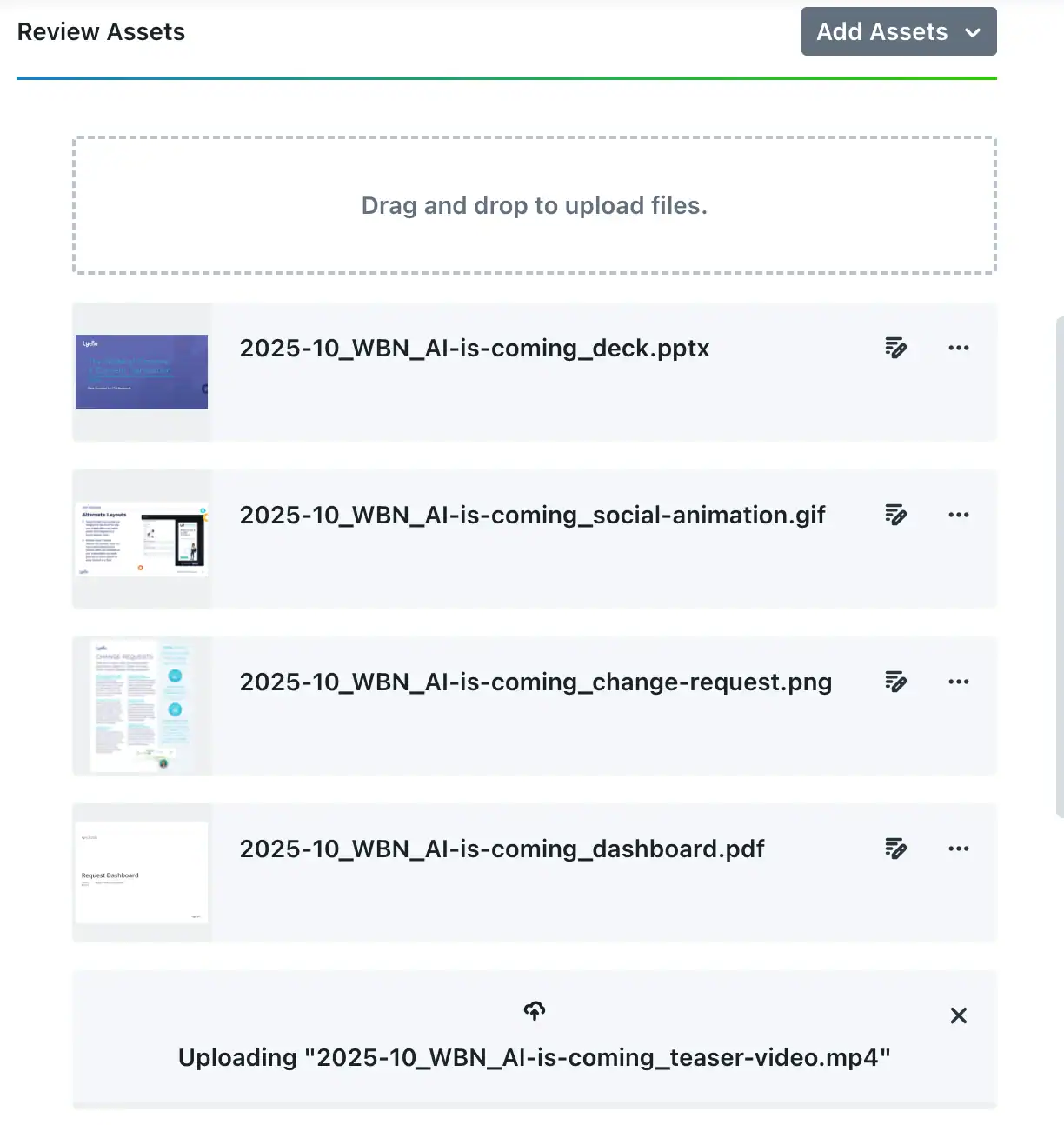
Email and document comments scatter feedback across inboxes and files, create version confusion, and leave no clear record of decisions. Lytho Reviews keeps all feedback attached to the specific asset and version being reviewed. Reviewers annotate directly on the creative — images, PDFs, videos, HTML — without needing design software or platform access. Decisions (approve, reject, request changes) are tracked per reviewer, and automated notifications keep things moving without manual follow-up. Everything stays connected to the workflow, so there’s no reconciling feedback from five different places.
Can external stakeholders — like agencies, legal counsel, or regulatory reviewers — participate in reviews without needing a full Lytho license?
Yes. External reviewers can be invited to participate in a proof without requiring a full Lytho account. They can view assets, leave annotated comments, and submit an approval decision from a browser link. For organizations that work with outside legal reviewers, external agencies, or distributed franchise networks, this means compliance review doesn’t depend on getting everyone into the same system.
How does Lytho handle multi-round reviews and versioning?
When content comes back for a second or third round, Lytho tracks each version separately so reviewers can compare changes, see what was addressed from prior rounds, and avoid re-litigating feedback that’s already been resolved. Version history is preserved throughout the lifecycle of the asset, and the approval status resets appropriately when a new version is submitted. This keeps revision cycles clean and prevents the common failure mode of approving a version that subsequently gets edited.
Can Lytho review content for compliance inside the tools my team already uses to create it?
Most compliance risk accumulates before content reaches a formal review — in a CMS draft, a landing page builder, an email tool, or a design platform. By the time an asset enters a structured approval workflow, the team has already invested significant time in content that may need to be reworked.
Lytho’s Chrome Extension brings AI Reviewers into any web-based tool, so compliance checks happen at the moment of creation rather than after the fact. Whether a team member is building a page in a CMS, drafting an email, or working in a web-based design tool, the extension scans the content in real time against your configured brand and compliance rules — flagging issues, suggesting fixes, and creating a record of what was reviewed. For asset types that live inside Lytho, AI Reviewers can be configured to check content as it moves through each stage of the workflow, not just at the final approval gate.
For teams in regulated industries, this changes the compliance posture fundamentally: instead of a single high-stakes review at the end, compliance is distributed across the entire creation process. Issues are smaller, faster to fix, and less likely to delay a launch.
Replace review chaos with faster, clearer approvals
Replace email threads and manual follow-ups with a structured review process that speeds decisions and reduces risk.